
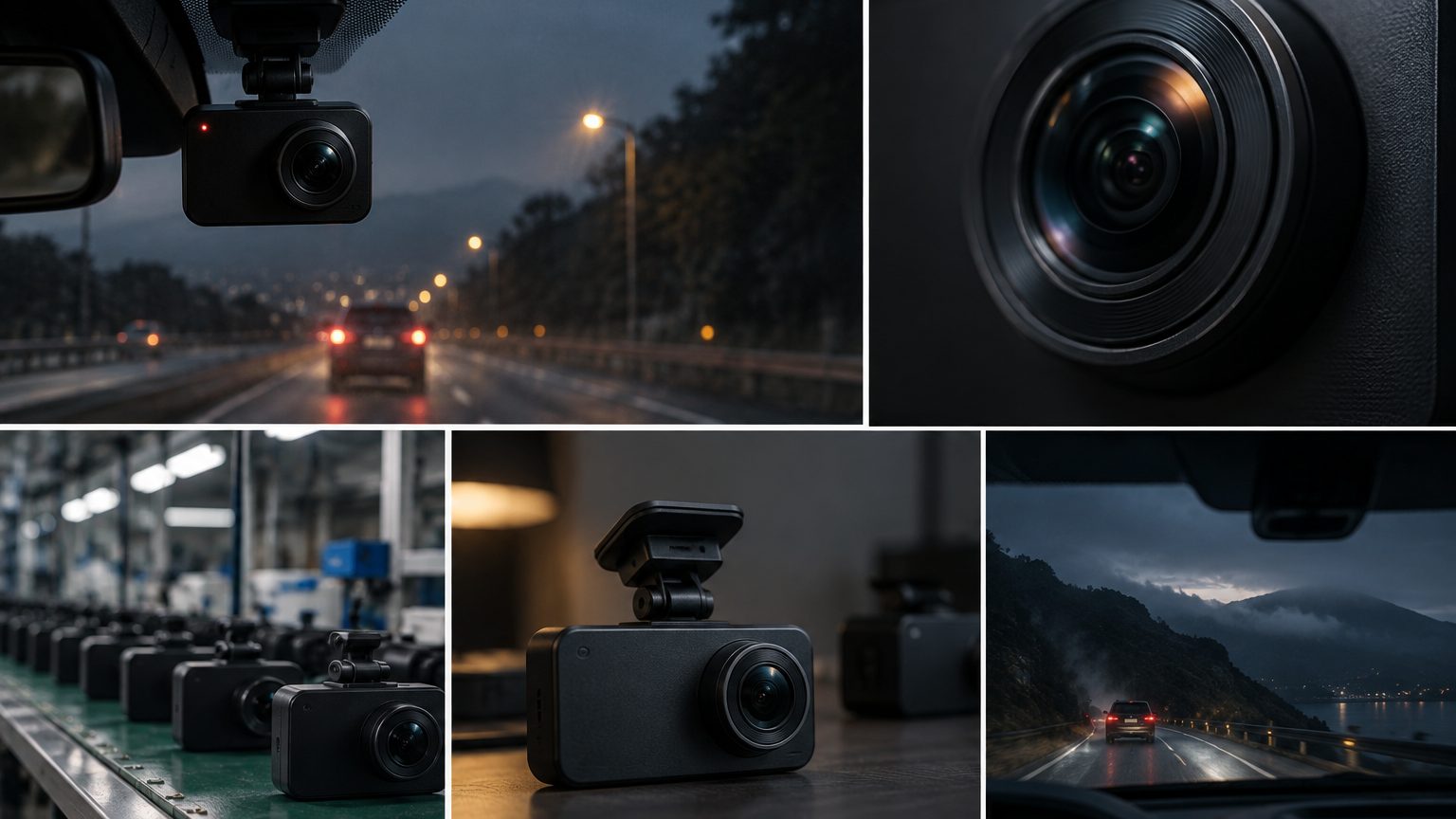
The short answer
WDR means wide dynamic range and HDR means high dynamic range. Both describe the same goal: keeping detail in the dark and bright parts of one scene at the same time, such as the exit of a tunnel, a low sun ahead or headlights against a dark road. In dash cams the two labels are used loosely, and they can refer to a sensor feature, a processing feature, or simply a marketing line. As a rule, WDR in the trade often means the sensor captures two or more exposures at once and merges them, while HDR may refer to similar merging done in the processor. Neither label proves performance; only sample footage in hard light does. The labels overlap because the underlying problem is one problem - too much contrast for a single exposure - and different vendors solve it at different points in the chain.
Why dynamic range matters on the road
A road scene can contain a bright sky and a shaded plate within the same frame. A camera with limited dynamic range must pick an exposure: expose for the road and the sky turns white; expose for the sky and the road turns black. Both failures cost evidence. A plate in shadow, a traffic light washed out by sun or a pedestrian against a bright background are the real cases a buyer should think about. Tunnel exits are the classic test, since the camera must adjust within a second from a dark tunnel to bright daylight and then back.
The evidence angle matters to business buyers. A clip that switches from usable to white-out for two seconds at a tunnel exit is exactly the clip an insurer asks about, so consistent exposure is part of the product's evidence value alongside timestamps and GPS stamps. Fleets running fixed routes can even name their hard lighting cases - yard exits, low winter sun, night rain - and ask for clips recorded in those conditions.
How the approaches differ
| Term | What it usually means | Strength | Limit |
|---|---|---|---|
| WDR | Multiple exposures combined, often at the sensor | Handles bright and dark in one frame | Can cause ghosting on fast motion |
| HDR | Merged exposures or tone mapping in the processor | Lifts shadow detail, tames highlights | May lower frame rate or add heat |
| Auto exposure only | Single exposure that adapts over time | Simple and low power | Slow at tunnel exits |
| Low-light sensor family | Larger pixels or better readout, such as STARVIS 2 parts | Cleaner night image | Not the same as dynamic range |
The definitions are general trade usage. Individual products differ, and some manufacturers use the terms interchangeably, so ask what the camera actually does rather than relying on the label.
Where each feature runs
If the sensor supports multi-exposure capture, the merge can happen with little extra load. If the processor performs the merge, it consumes compute and may limit the maximum frame rate or resolution while enabled. Some chipsets can run HDR at 1080P but not at full 4K; this is a reason to confirm the mode combination rather than the headline. The sensor model on the spec sheet helps: newer sensors such as the Sony IMX675 in the STARVIS 2 family are described in public material as having improved low-light and dynamic range behavior, and the image sensor note lists what to look up. The processor side is covered in chipsets explained. Defaults deserve a decision rather than a shrug: a feature that helps in most scenes but costs a little frame rate is usually left on, set in firmware, and stated in the listing, because a driver who adjusts exposure settings is a driver who eventually calls support.
Glare and the lens
Dynamic range is not the only cause of washed-out video. Glare is also optical: light scattering inside the lens creates flare and ghost images, especially at night with oncoming headlights or when the windshield is dirty. Coatings on the glass elements reduce it, and a polarizing filter accessory can cut reflection from the dashboard on the windshield. These are separate from WDR or HDR, and a camera can have strong processing but a weak lens. See the lens quality note for what to ask about glass and coatings. Windshield condition dominates here more than most listings admit: a film of dust or a tint band scatters light in ways no processor fully recovers, which is why installation quality belongs in the same conversation as sensor choice.
Testing in the conditions that matter
- Record a sequence that includes a tunnel or underpass exit with the sun ahead.
- Record a dusk drive with oncoming headlights.
- Record parked footage facing a low sun, if parking mode is part of the range.
- Run each test with WDR or HDR on and off, if the menu allows, to see the real effect.
- Check whether frame rate or resolution changes when the feature is on.
Compare the clips side by side with a reference model. Keep the notes with the sample approval, in the same way as the plate-readability routine in frame rate and bitrate. If you stock more than one model, include a reference camera you trust in every shoot, because absolute judgments drift between days and locations, while a same-scene comparison stays meaningful.
What to write in a listing and a specification
For listings, describe the benefit in plain terms, such as helps keep detail in bright and dark areas, without promising a result in every scene. For specifications, state whether the feature is always on or user-switchable, in which modes it works, and what the default is. If the product uses a night-vision-enhanced sensor, the night vision line and the night vision note explain what to expect separately from dynamic range.
Whichever way the range goes, put the decision in the specification: feature on or off by default, in which recording modes, with what effect on frame rate, confirmed in writing against the approved sample.
Practical guidance by buyer:
- Marketplace sellers: choose models where WDR or HDR can be shown in sample clips, since a short before-and-after clip sells better than a label.
- Fleet operators: prefer consistent, always-on exposure handling so drivers never need to adjust it, and check tunnel and yard exits typical of the routes.
- Installers: note that mounting height and windshield tint change the exposure, so test on the vehicle type you most often fit.
- Insurance and telematics programs: consistent exposure supports the claim file, so favor always-on behavior over driver-adjustable settings.
Roadtrace requests these clips from partner factories as part of sample review and confirms feature behavior in writing for each program. For the wider specification picture see the technology overview, and send your brief through the quote form.