
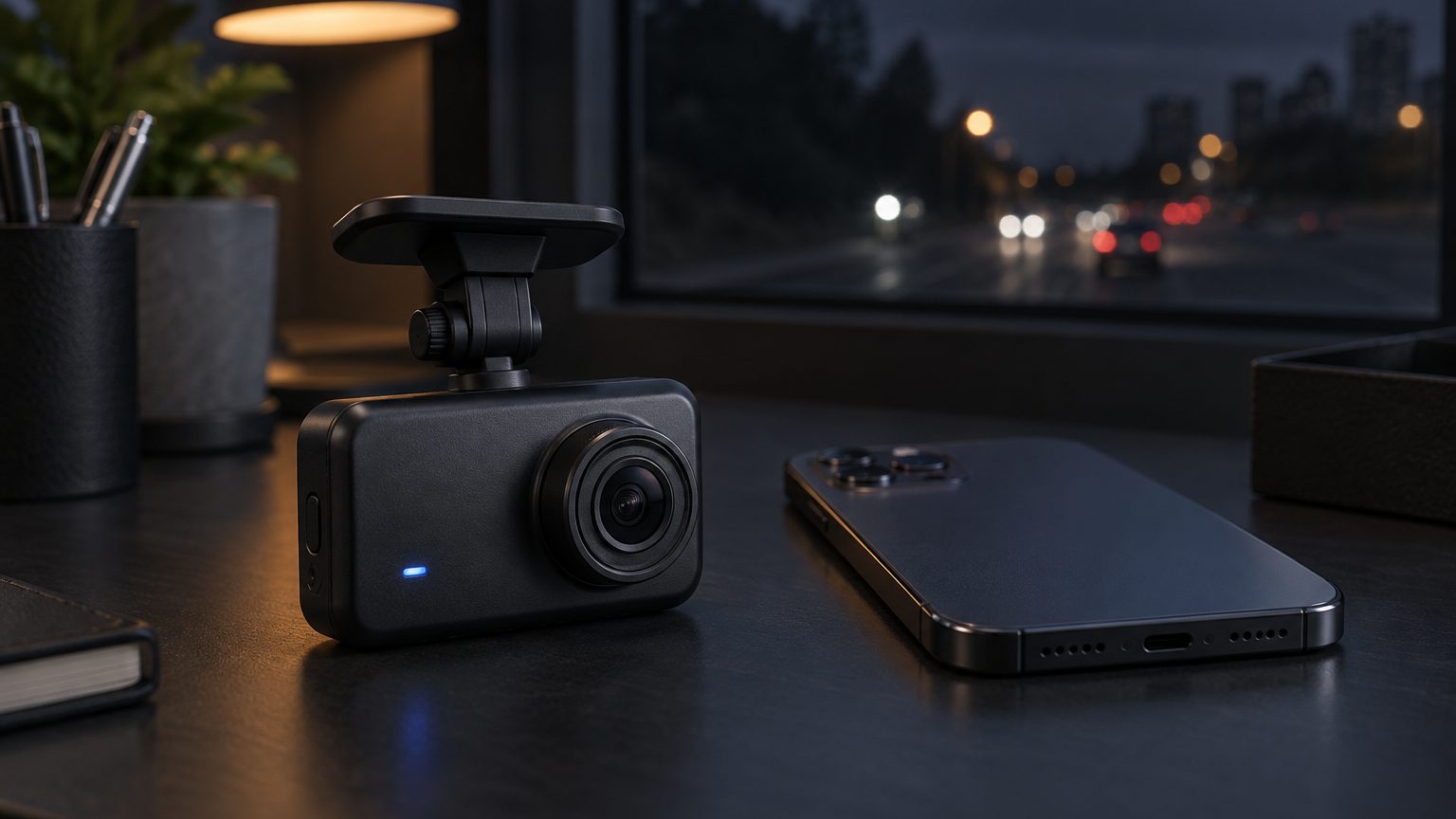
What WiFi means in a dash cam
WiFi in a dash cam almost always means a local connection: the recorder creates its own network, the phone joins it, and an app previews the view, changes settings and downloads clips. It does not usually mean the cloud, mobile data or remote viewing from another city; that is the territory of 4G or cloud units. Getting the word right in the listing avoids complaints. For a deeper read on the wording, see WiFi and app dash cams and what wireless really means.
What the app must do
Buyers rate a WiFi dash cam on the app, not the camera. A usable app pairs in a few steps, shows a live preview for aiming the lens, lists clips with thumbnails, downloads quickly and lets the driver change resolution, G-sensor sensitivity and date stamp. The app also decides support load: poor translations and failing pairing flows produce most WiFi-related returns. The desk therefore asks the factory for the app name, the platform versions supported, the language list and the update path, and tests pairing on both phone systems during sampling.
| App element | Why buyers care | What to confirm |
|---|---|---|
| Pairing flow | First-use success decides reviews | Steps, password, auto-connect behavior |
| Languages | Menu and error messages in local language | Language list for your markets |
| Download speed | Large 4K files are slow over WiFi | Realistic download time per clip |
| Branding | App name, icon, store listing | White-label or branded app route |
| Updates | Firmware over the app | Update path and rollback |
Platform and variants
WiFi appears across the lines. On the 4K side it sits on Novatek NT96670-class platforms paired with a Sony IMX415, and on entry models it appears on screenless bodies at 1080P. Variants include a WiFi front-only unit, a WiFi dual-channel kit with rear camera, and a WiFi plus GPS model for programs that want speed data alongside the phone link. WiFi download is a convenience, not a replacement for a good card, so the storage spec still matters. See the platform notes on dash cam technology.
Who buys it and for what
Online sellers buy WiFi models because the app is a visible selling point and drivers expect to share clips on a phone. Distributors place a WiFi model at the mid-price slot above the entry unit. Rental operators and small fleets use it so staff can pull a clip at the counter without handling microSD cards. Younger drivers and ride-hailing communities favor it for quick sharing. For fleet-grade remote access, a 4G or cloud model is the correct category and the desk will say so.
Support load and returns
WiFi models draw more support questions than plain recorders, almost all of them about the first connection: the phone joins the wrong network, a password is lost, or a new phone system update changes how it behaves. A one-page quick start in the box, an in-app pairing guide and a clear reset method cut those tickets. Sellers who list the phone systems supported and the app name in the listing see fewer misplaced expectations. Agree the quick-start text with the desk at sampling, so it is printed in the manual before bulk.
Customization
This is the line where firmware and app branding matter most. Light customization covers the boot screen, logo, default settings and language list. Deeper work covers a branded app with its own name and icon, a connection password policy, and firmware changes. These sit in the OEM tier: Shenzhen OEM suppliers commonly publish minimums from about 100 pieces per model for logo and packaging, while app and firmware branding are higher and quoted per project. Read firmware and app customization for the steps.
Certification notes
General information only; confirm with a compliance adviser or lab. A WiFi unit needs a reported FCC ID in the US and Radio Equipment Directive conformity in Europe, plus RoHS and WEEE marking. UKCA applies in the United Kingdom, and other markets such as Japan or Korea have their own radio rules, confirmed per market. If you change the app or firmware, ask the factory whether the radio report still applies. The desk holds no certificates; reports are verified by number. See certifications.
Buyer checks before ordering
- Pairing test. Connect from both phone systems, first use and reconnect.
- Download test. Time a full-resolution clip and a short event clip.
- Language test. Walk through every menu in the languages you list.
- Report check. FCC ID, RED report numbers and app version in writing.
Reference lead times and minimums are confirmed in writing for each program on MOQ and lead time. Start with the quote form.