
The short answer
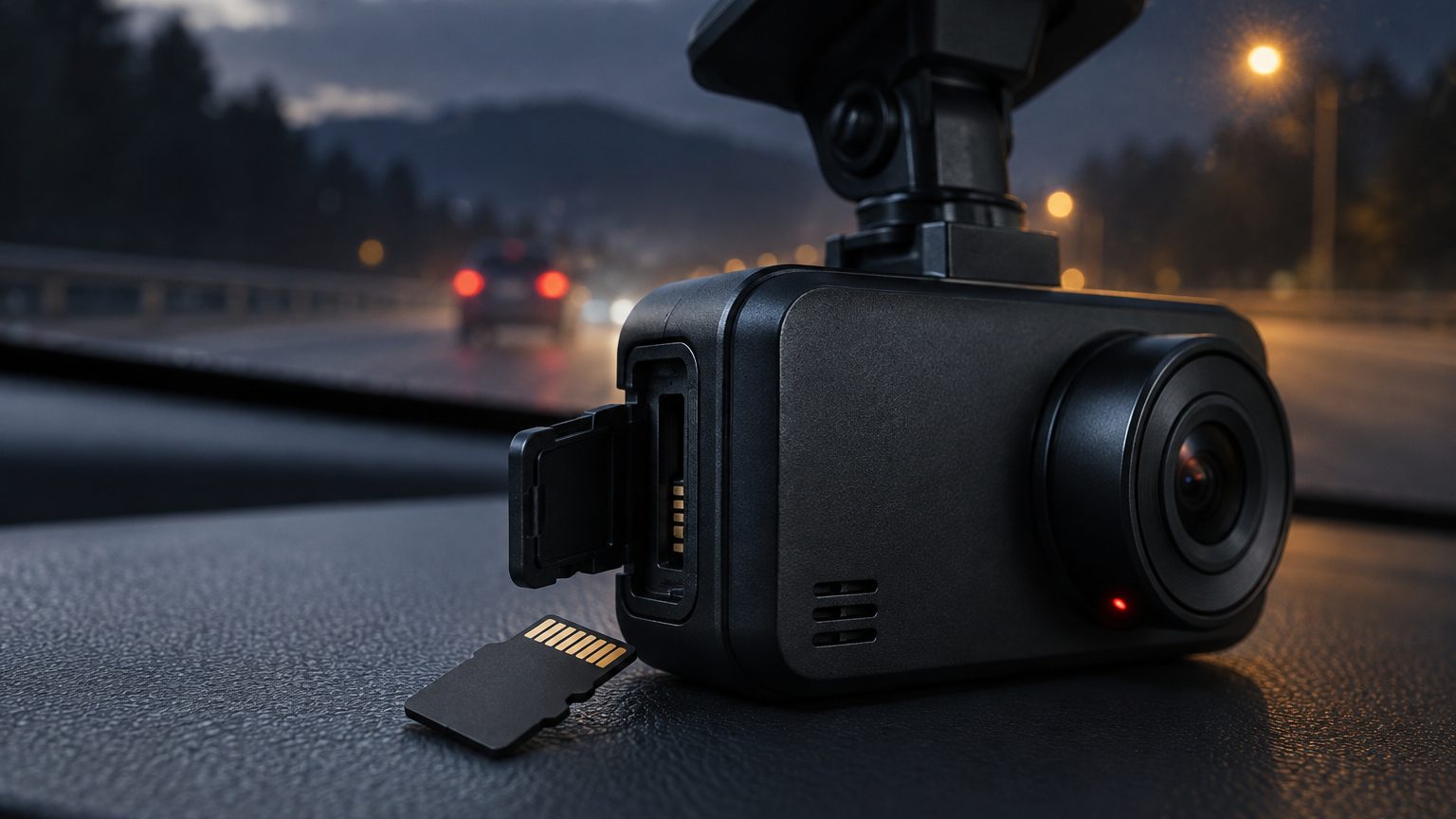
Bundle a high-endurance microSD card with each dash cam if you sell to consumers who may not know which card to buy. The camera then works on the first day with a suitable card, listing photos show a complete kit, and returns marked "stopped recording" fall. The cost is an extra component in the bill of materials, extra packing steps and a clear policy on warranty. For fleet and distributor programs the case is similar: a known card model across all vehicles makes failures easier to track. This note covers how to specify, label, pack and support a bundle, from the seller's side.
Why sellers bundle
Support data across the trade points the same way. Many first complaints about a new dash cam trace to the card: an old, small, slow or worn card pulled from a drawer, or one bought without checking the maximum size. When the box includes a suitable card, the customer starts with a working combination. Bundling also helps listings. A kit that reads "camera plus 128GB card" is easier to compare and easier to order than a bare camera that needs another purchase. It supports bundles of other items as well, such as hardwire kits, covered in the bundles note. The trade-off is working capital and a more complex stock record, because each camera SKU now has a card option.
What to specify
A bundle specification should state the card by property, so a substitute cannot slip through. The table gives a model for a purchase brief.
| Item | Specify | Why |
|---|---|---|
| Capacity | 64GB or 128GB, matched to the camera's maximum | Avoids unsupported sizes; see the storage note |
| Speed class | Class 10 or U1 for 1080P; U3 and V30 for 4K | Sustains the write rate |
| Endurance | Marked high-endurance or video-monitoring | Survives loop recording |
| Adapter | microSD-to-SD adapter included or not | Helps computer reading; affects packing |
| Pre-format | Formatted in the camera before packing, or loose | First-use experience |
| Source and marking | New stock, marking visible, model on packing list | Traceability and counterfeit control |
Write the same lines into the program sheet and ask partner factories in Shenzhen to confirm them. The dash cam SD cards page shows the 64GB and 128GB lines the desk bundles.
Packaging and labeling
A card is small and easy to lose. Decide where it sits: inside the camera slot, in a card sleeve in the accessory pouch, or on a backing card in the box. Putting it in the slot gives the best first-use experience, because the camera can be formatted and tested at the factory, but a card left in a camera that is shipped warm may need a check at receiving. A sleeve and a printed instruction suit sellers who prefer the customer to do the first format. Either way, add the card to the box label and the packing list so warehouse staff can count it. If you sell through marketplaces, ask for marketplace warehouse labeling on the master carton and on the retail box. The private label packaging page covers the box options.
Warranty and returns
A bundle raises a warranty question: does the card share the camera's warranty period, and does it count as a consumable? A clear policy prevents disputes. Many sellers treat the card as a consumable with a shorter or separate term, and state that a card worn by normal loop recording is not a defect in the same way as a dead-on-arrival card. Whatever you choose, state it in the listing and the manual, and agree the replacement path with the supplier before shipping. Dead-on-arrival cards should be handled as quickly as dead cameras. The warranty and returns note discusses the broader policy.
Counterfeit and quality control
The biggest risk in bundling is a relabeled or counterfeit card that reports a false capacity. It looks fine on arrival and fails once the loop passes the real size. Control it in three steps. First, ask the supplier to name the source of the cards. Second, run a full-capacity write and read test on a sample from each lot. Third, inspect the printed marking on a sample against the specification. These checks fit into a normal sample routine, described in the sample checklist, and into pre-shipment sampling per program. The desk repeats the checks on bulk samples and records the results in the program file.
Writing the listing
State what is in the box, in plain terms: camera, card capacity and class, adapter if included, accessories. Do not claim a card improves image quality or promises results; say only that it is suited to continuous recording. Mention first-use formatting and the monthly format interval, because it cuts support questions, and add a note that the card is a wear item. Keep numbers to those on the spec sheet. A tidy listing helps both conversion and returns, a theme developed in the selling online note.
Kit composition and stock planning
Decide the shape of the bundle before ordering. A single-SKU kit, one camera with one card size, is the simplest to stock, list and support. A two-SKU approach, the same camera with a 64GB or a 128GB option, serves both light and heavy users but doubles the stock lines and the listing variants. A third option is to bundle the card only on the higher models and list the card separately as an accessory for the rest. Whatever the shape, plan card stock with the same care as camera stock: cards are small, easy to ship separately and easy to source, so a card shortage need never hold a camera shipment. Track card failures by lot as you would camera defects, because a bad lot of cards can produce a wave of returns that looks like a camera problem. The wider stock questions sit in the inventory planning note.
Terms and lead time
Adding a card does not usually change the production lead time much when cards are in stock, but a special pre-format or a printed sleeve can. Minimum quantities and lead times are typical reference ranges and are confirmed in writing for each program; see MOQ and lead time. To have a card bundle quoted with your camera model, send the brief through the quote form.