
The short answer
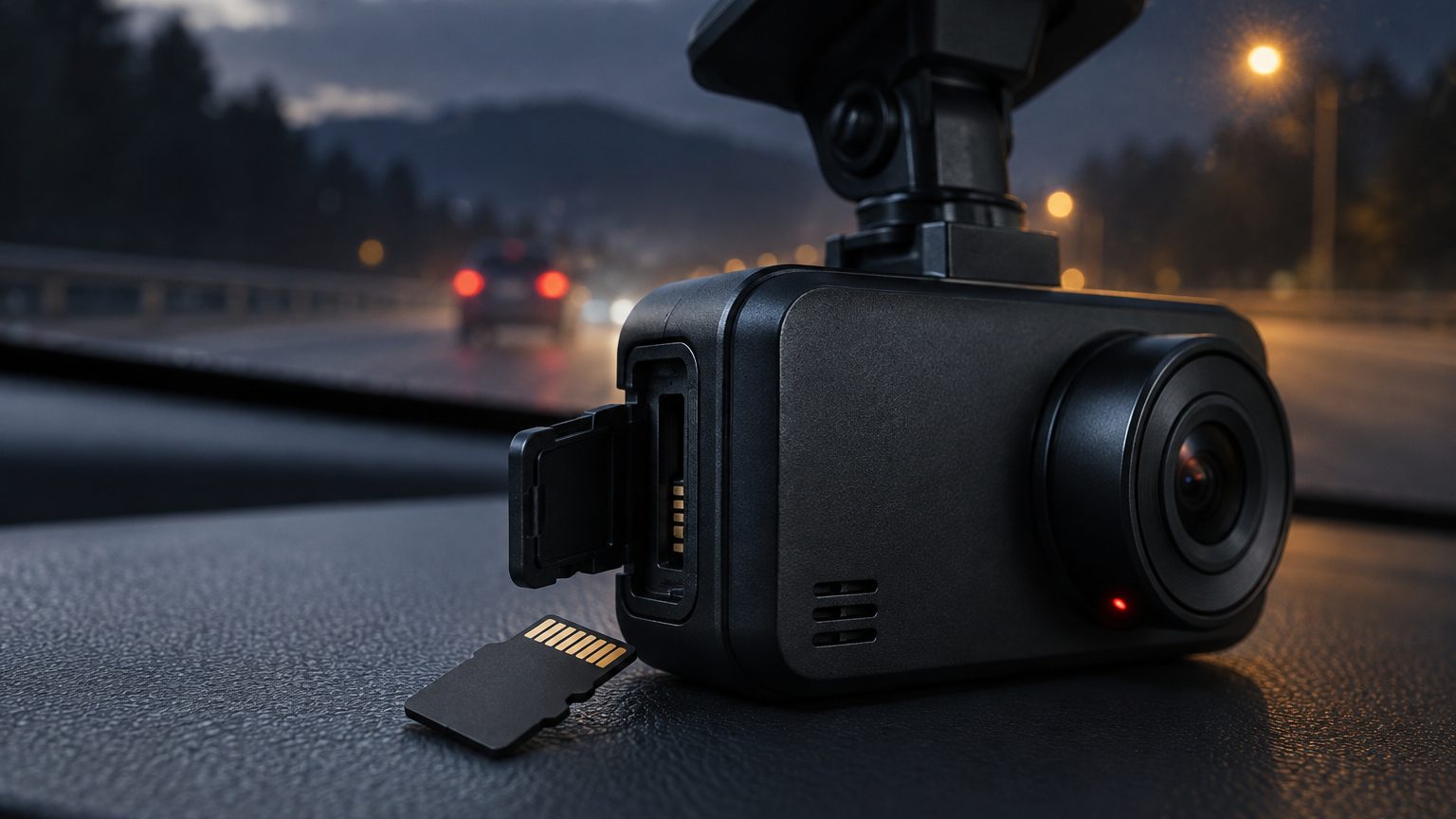
Loop recording needs high-endurance cards because the card is rewritten from start to finish again and again, all day, in a hot cabin. Flash memory wears with each write. A card designed for photos or a phone expects occasional bursts and long rests. A card designed for video monitoring expects steady writing for years and is built with stronger error handling and more spare capacity. When a dash cam "stops recording" or "lost the clip", the cause is more often a worn card than a faulty camera. The loop recording note describes the mechanism; this note explains why the card must be chosen for it.
Why a dash cam is a hard job for flash memory
Flash memory stores data in cells that tolerate a limited number of erase-and-write cycles. A card in a phone may see a few gigabytes of writing a day. A dash cam in a daily-use car writes continuously while the engine is on and, with parking mode, may write while parked as well. Because loop recording deletes the oldest segment to make room for the newest, every part of the card is overwritten in turn. Wear levelling spreads the writes, but the total amount written still adds up. The shorter the loop, the sooner each cell is reused. Add heat, which speeds up wear, and the difference between card types becomes large.
A rough sense of scale helps. If a camera records at about 10 Mbps, it writes roughly 4.5 GB each hour (10 divided by 8, multiplied by 3,600 seconds, divided by 1,000). Over a 3-hour daily drive that is around 13 GB a day, or several terabytes in a year, all through a small card. These are estimates that depend on bitrate and codec, not measured results, but the order of magnitude explains the wear.
What high-endurance changes
High-endurance cards are designed around this workload. The details differ between suppliers, so a buyer should ask for them rather than assume. The table compares the typical differences between a general-purpose card and a card made for continuous recording.
| Aspect | General-purpose card | High-endurance card |
|---|---|---|
| Design workload | Occasional photo and video writes | Continuous video recording |
| Rated endurance | Often not stated | Stated as hours of recording or total bytes written |
| Error handling | Basic | Stronger error correction and spare blocks |
| Temperature range | Moderate | Wider operating range stated on the datasheet |
| Typical marking | Capacity and speed class | Endurance or video-monitoring label in addition |
The endurance figure is usually given as hours of recording or as total data written. Treat it as a comparison tool between cards from the same supplier rather than a promise of life, because real life depends on the camera bitrate, the driving pattern and the temperature.
How a worn card fails
A worn card seldom fails in a clean way. The early signs are small: the camera shows a card error message, the recorded file list has gaps, some clips will not play, or the camera freezes during formatting. In the worst case the card appears to work until the one clip someone needs is requested. Because the symptom shows up in the camera, customers blame the camera, and the return lands on the seller. The corrupted files note lists causes beyond wear, such as sudden power loss and poor formatting, so a seller can sort out which problem is which.
Heat and the windshield
A parked car in sun can reach cabin temperatures far above ambient, and a dash cam sits at the hottest spot, against the glass. Heat speeds up wear and can cause read errors. A card with a wider rated temperature range gives more margin, and a camera with a supercapacitor rather than a lithium battery adds more. Heat also affects the camera itself, a topic covered in the heat resistance note. For programs in hot regions, ask the supplier for the card's operating range in writing, not just the camera's.
What to put in the specification
For a bundled or recommended card, write the requirement the way a buyer in any other industry would write one: by property, not by name. A good line reads: high-endurance microSD, 64GB or 128GB, U3 or V30, rated for continuous video recording, new, not relabeled. Add that the supplier names the card model on the packing list so a replacement can match it later. If you intend to sell replacement cards as an add-on, that same line becomes the product description. See the SD cards page for the starting lines and the selection checklist for the broader list of questions.
Why the camera cannot save a worn card
A fair question from buyers is whether the camera can detect and avoid a worn card. It cannot do much. The firmware can report a card error, refuse to write, or slow down, but it cannot restore worn cells, and it does not know the card's rated endurance. Some firmware adds a periodic format reminder, which helps with file system errors but not with wear. This is why the choice has to happen before the camera ships, not after. It also explains why two identical cameras can behave differently in two identical vans: the difference is usually the card, its age and the hours it has written. When a buyer compares offers from different suppliers, asking what card each one pairs with the camera is as revealing as asking about the sensor.
Replacement intervals for fleets
For a single consumer car, a card may last years. For a taxi or delivery van running many hours a day, the card works much harder and should be treated as a consumable. A sensible fleet policy is to set a replacement interval, track it by vehicle, and swap cards on a schedule rather than waiting for a failure. The interval depends on the card's stated endurance and the vehicle's daily hours; the card supplier's datasheet is the basis, and the fleet manager's own failure records refine it after the first year. Combine this with a routine format and a check of the camera's card status, as described in the format note.
Where the desk fits in
Roadtrace coordinates card specification with partner factories in Shenzhen, so the camera you receive is paired with the card you wrote down. We check the card marking and capacity on samples and confirm the card model in writing for each program. Minimum quantities and lead times are typical reference ranges, listed under MOQ and lead time. To have a card line added to a quotation, send the brief through the quote form.