
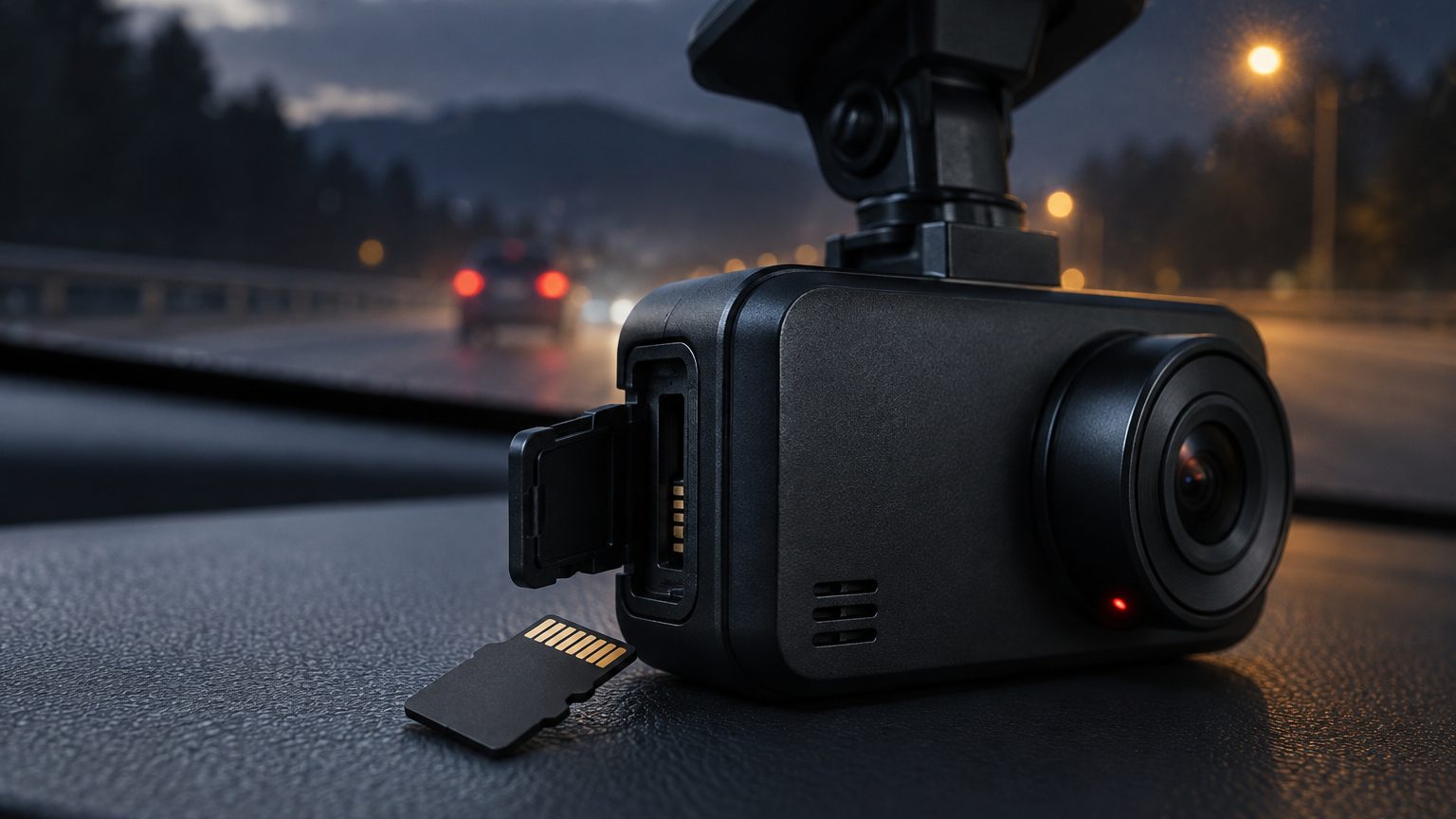
The short answer
A corrupted dash cam file is one the camera could not finish writing properly or one whose file system entry is damaged, so the player cannot open it. The five common causes are: power cut during writing, a worn or too-slow card, a file system that was never reset, heat, and firmware that mishandles shutdown. Prevention is a matter of choosing the right card, using a power buffer that lets the camera close its last file, formatting regularly and updating firmware. This note walks through each cause, a way to tell them apart and what to do about it, from the viewpoint of a buyer or seller who must reduce returns.
Cause by cause
The table lists the causes with how each shows up and the main prevention. Use it as a diagnostic aid.
| Cause | How it shows up | Prevention |
|---|---|---|
| Sudden power loss | Last clip before shutdown is damaged or missing | Supercapacitor buffer, stable hardwire kit, low-voltage cutoff |
| Worn card | Random unreadable clips, card error, freezing | High-endurance card, replacement interval |
| Slow card | Gaps, dropped seconds, restarts at high bitrate | Card with the right speed class |
| File system errors | Card error after a period of use | Regular format in the camera |
| Heat | Errors on hot days, camera shutting down | Supercapacitor, card with wide temperature range |
| Firmware fault | Repeated errors across cards | Stable firmware, update path |
| Counterfeit capacity | Files vanish once the loop passes the real size | Capacity test on samples |
Power loss and the last file
A camera writes a file in pieces and finalizes it at the end of the segment. If power drops mid-segment, the file may lack its closing data and many players cannot open it. This is the most common cause in cars where power cuts when the ignition goes off. A supercapacitor holds enough charge for the camera to close the file cleanly, which is one reason it is recommended over a lithium battery, as the supercapacitor note explains. In a hardwired setup, a low-voltage cutoff that shuts the camera down gracefully, rather than letting the battery fall until the camera dies, protects the file as well. The hardwire kit page covers the cutoff options.
Cards: wear, speed and fakes
Card problems account for much of the trouble. A worn card produces errors that look random: some clips play, others do not. A slow card produces gaps at high bitrates, which look like corruption but are missing data. A counterfeit card reports a size it does not have, so files recorded in the false region are lost, and the problem appears only after the loop has run a while. Prevention is a matching set of steps: a high-endurance card, the right speed class, a capacity test on samples, and a replacement interval. Because cards are cheap compared with the camera, the card is the best place to look first when a unit is returned.
Formatting, heat and firmware
A file system that is never reset collects errors, which a periodic format clears; the format note gives an interval. Heat speeds up all the other causes and may trigger errors on its own when the card or the camera overheats, so hot-climate programs need a supercapacitor camera and a card with a stated wide temperature range, as discussed in the heat resistance note. Firmware faults are less common but real: a build that mishandles shutdown, or that writes in a way a card handles poorly, produces errors across several cards. If different cards fail the same way in the same model, suspect firmware and ask the factory about an update, covered in the firmware update note.
A triage routine for returns
Support teams can resolve most "corrupted files" tickets with a short routine that isolates the variable.
- Ask for the pattern. Is it the last clip only, random clips, or all clips?
- Check the card. Class, endurance rating, age; try another card in the same camera.
- Format in the camera after downloading what can be saved.
- Check power. Is the camera on a hardwire kit, a socket adapter or a battery?
- Check temperature. Do errors appear on hot days?
- Escalate. If the fault persists with a new card, the camera or firmware is the cause.
Keeping a log of these answers by model also shows patterns that point to a batch or firmware issue.
Telling corruption from a camera fault
Sellers need a way to answer the question behind most tickets: is it my camera or the customer's card? The pattern of the failure usually decides it. If only the last clip before each shutdown is damaged, power handling is the suspect, and a hardwire or socket change may fix it. If clips fail at random and the card is old, wear is the likely cause. If every card tried in the camera produces the same error, the camera, its slot or its firmware is at fault, and the unit should come back for review. Writing these three patterns into a support script keeps answers consistent and prevents the costly habit of replacing cameras for card problems. The same script doubles as a listing FAQ, which reduces the tickets arriving in the first place.
Recovering what you can
If a file will not play, do not write to the card, because new writes may overwrite recoverable data. Copy the card contents to a computer with a reader and try a different player first. Some damaged files lack a final index but still hold video data, and repair tools for common video formats can rebuild them in many cases. Success is not certain and depends on how the file was damaged. For evidence, hand the original card or a full copy to the person who needs it instead of repairing it yourself, and note the problem. The evidence note explains why integrity matters.
Prevention at the product level
For a seller or program buyer, prevention is a specification: a supercapacitor camera, a high-endurance card of the right class, a capacity-tested sample, a first-use guide that tells the user to format monthly, and a firmware version that has been run in burn-in. These cost little at sourcing time and save returns later. Roadtrace coordinates these checks with partner factories in Shenzhen and confirms the specification in writing for each program. Typical timing sits on the MOQ and lead time page, and a brief can be sent through the quote form.