
The short answer
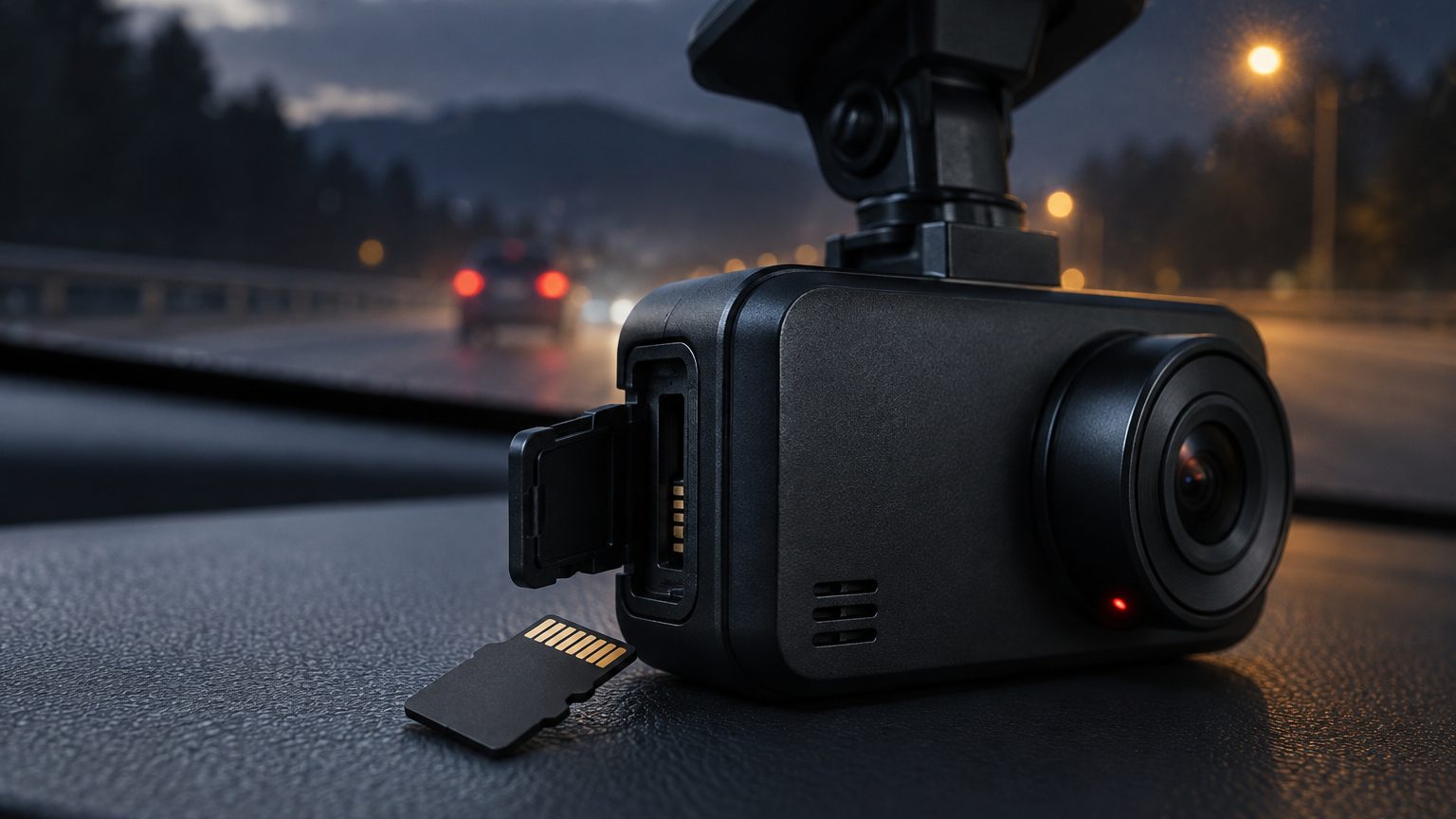
A common rule is to format the card in the dash cam once a month for a car in daily use, and every time a new or reused card goes in. Fleets and vehicles on rough roads do well with a shorter interval, such as every two weeks, while a car used only on weekends can go longer. There is no single exact figure that suits every camera, so treat the interval as a starting point and confirm it against the camera manual. The reason to format is not that the card fills up, because loop recording handles that. It is that the card accumulates small file system errors over thousands of write cycles, and a fresh format resets them.
What formatting does and does not do
Formatting erases the card's file system and builds a new one with the folders and structure the camera expects. It removes all footage, including locked event clips, so download anything you need first. A quick format rewrites the file tables; a full format also checks and rewrites the storage area, which takes longer. In a dash cam, the camera's own format command is best, because it creates the exact layout its firmware reads. A card formatted on a computer may use a different cluster size or file system, and some cameras then report a card error or record in a slower, less stable way. The table summarizes the choices.
| Method | What it does | Use for dash cams |
|---|---|---|
| Format in the camera | Builds the layout the firmware expects | Preferred; use after download and when changing cards |
| Format on a computer | Builds a generic layout | Only if the camera cannot read the card; then re-format in the camera |
| Delete files by hand | Removes files, leaves the file system as is | Does not clear errors; not a substitute |
| Full format | Checks and rewrites the whole card | Occasionally, if the card shows errors |
Why a card needs regular formatting
Loop recording creates and deletes files continuously. Over time the file system can develop inconsistencies: orphaned entries, fragmented free space, and tiny errors from interrupted writes. Most of the time the camera handles these quietly. Sometimes they build up and show as clips that will not play, a camera that freezes, or a card error message. Sudden power loss makes it worse, because a file in the middle of writing is cut off. A monthly format is cheap insurance. The same wear that makes high-endurance cards necessary also makes a periodic reset sensible, and it is a first step in the corrupted files checklist.
A routine that works
A routine keeps formatting from being forgotten and from deleting something important. This sequence suits individuals and small fleets alike.
- Download first. Copy any locked clips or footage you want to keep. The download note gives the options.
- Check the clock. Confirm the date and time are correct, because timestamps matter for evidence.
- Format in the camera using the menu or app command, not the computer.
- Test. Record a short clip and play it back to confirm the card works.
- Log it. For fleets, note the date and vehicle so the next format is scheduled.
For cameras with WiFi and an app, formatting is often available from the phone, which suits installers and fleet managers who do not want to open the housing. The WiFi dash cam lines include that command in the app.
When to format sooner
Several signs mean the card should be formatted at once, ahead of the schedule. A card error message from the camera is the most direct. Clips that fail to play, a camera that restarts during recording, or a file list that is missing days are the others. If the problem returns after a format, the card is probably worn and should be replaced. Replace rather than keep formatting, because a card that needs repeated resets is on its way out. After a hard power cut, such as a flat car battery, format the card as well, since the last file was probably cut off. If the problem seems linked to the camera rather than the card, a firmware update may help, as described in the firmware update note.
Formatting for fleets and resellers
For a fleet, formatting is a maintenance task like checking tyre pressure. Add it to the vehicle's service routine: on every inspection, download the locked clips, format, test and log. For resellers, the point is the first use. A card that ships pre-formatted in the camera's file system reduces the first-hour support questions. Ask the supplier to format sample cards in the camera before packing, and include a one-line instruction in the manual: format the card in the camera after the first week and every month. Support teams also benefit from a short reply template that begins with the format step when a customer reports a card error, since it solves many tickets. The bundling note covers how to present this on the listing.
What formatting cannot fix
Formatting resets software problems; it does not repair physical wear, heat damage or counterfeit capacity. A relabeled card loses data when the loop passes its real size, and no format cures that. A camera that cannot hold a stable connection with the card, because of a damaged card slot or a failing power supply, will keep producing errors. The right response is to isolate the variable: try another card in the same camera and the same card in another camera. If the fault follows the card, replace it. If it follows the camera, review power, firmware and the slot.
How the desk supports it
When Roadtrace specifies a card with a camera, partner factories in Shenzhen format the sample cards in the camera and we check that the first-use steps are in the manual. Details such as the manual wording are confirmed in writing for each program, and the SD cards page lists the starting lines. If you want the formatting guidance written into a branded manual, raise it with the quote form.