
The short answer
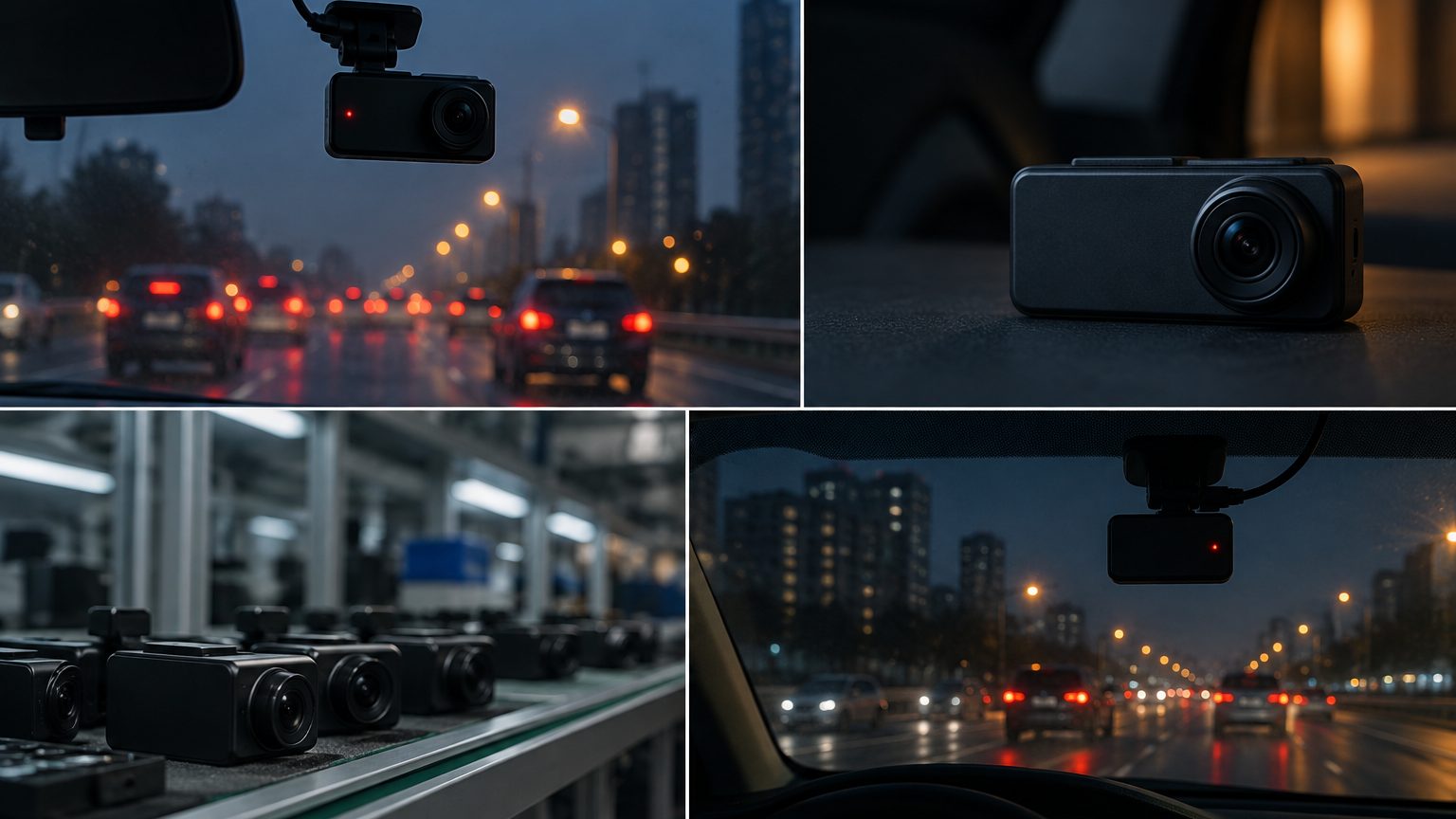
A good dash cam for a new or teen driver is a simple front camera, often with WiFi and an app, that starts with the car, records in loops and locks a clip after a jolt. Add GPS if the family wants speed and route on the video, and add a rear camera if the car is often parked on the street. Skip features that need constant tuning. The point is evidence after an incident and, for some families, a calm conversation about driving habits. Most of these needs are covered by the 1080P entry line or the WiFi line.
What families and young drivers worry about
- The first collision. New drivers are more likely to be blamed in an unclear incident, and video can show what happened.
- Parking lots and street parking. Scrapes while parked are common and hard to prove without a recording.
- Insurance conversations. A clip can support a claim, and some programs look at recorded driving; see the insurance note.
- Complexity. A device with many menus is turned off or ignored.
Choosing by situation
| Situation | Feature to prioritize | Starting line |
|---|---|---|
| First car on a budget | Reliable 1080P front camera, loop recording | 1080P entry |
| Parent wants to review clips | WiFi and phone app | WiFi dash cam |
| Concern about speed | GPS stamp on video | GPS dash cam |
| Street parking at night | Parking mode and hardwire kit | Hardwire kit |
| Discreet look | Small unit behind the mirror | Hidden and mini |
A higher resolution is useful only if the sensor is real; the true 4K note shows how to check. For an entry-level car, a stable 1080P unit with good night video often serves better than an unproven 4K one.
A coaching tool, not a monitoring tool
Families who get the most from a dash cam treat it as a shared record rather than surveillance. The difference shows in how clips are used: reviewing a near miss together after a hard week of driving teaches more than a parent scrolling through footage alone. GPS speed data can support the same conversation, but a household rule about who looks at it and when keeps trust intact. Sellers can reflect this in their copy: describe the app review feature honestly, and let families decide how to use it. Heavy-handed monitoring messages tend to read poorly with both parents and young drivers.
Keep the setup simple
Teen drivers will not read a long manual. Choose a model whose default settings are sensible: loop recording on, G-sensor medium, date and time stamp on, and audio off unless the family has agreed otherwise. A phone app with a guided first-time setup reduces support questions. Sellers can help by shipping a clear quick-start card in the box and a short setup video link on the product page. A pre-formatted high-endurance microSD included in the pack avoids the most common failure: a card that cannot sustain loop recording.
Privacy and family rules
A dash cam in a family car records other road users and passengers. Rules on recording, and especially on audio, vary by country and state, so check local law. If the camera records the driver or friends in the car, tell them. For minors, local rules and household agreements both matter. Some families prefer a front-only camera with audio off to avoid awkward questions. This is general information, not legal advice.
Install and power
Most families plug into the 12V socket and tuck the cable along the headliner and A-pillar. A hardwire kit gives a cleaner result and enables parking mode, with a low-voltage cutoff that protects the battery; it suits older cars with weak batteries less well, so ask the installer to check. If the car has a rear camera, route the cable along the headliner and door seals as shown in the routing note. The full process is in the install guide.
Parking mode for student cars
Street parking is where a new driver's car spends most nights, and scrapes while parked are a top complaint from this audience. Parking mode addresses it, with caveats. It needs constant power from a hardwire kit, a low-voltage cutoff set to protect an aging battery and a driver who remembers the camera is watching while parked. Motion-triggered modes catch a door opening next to the car; buffered modes keep the seconds before a bump, which is what shows a trolley or a door actually making contact. For an older secondhand car with a tired battery, a timed cutoff or skipping parking mode may be the honest advice. The parking mode note compares the three modes and what each needs.
Gifting seasons and selling to families
For marketplace sellers, this audience peaks around holidays and the start of the school year, when a camera is bought as a gift for a new car. That shapes packaging and copy more than hardware: a box that explains the setup in one glance, a quick-start card and an honest claim about what the camera does will outperform a spec-dense page. Reviews in this segment reward two things above all - that the camera just works when the car starts, and that the app connects without frustration. Both are firmware and app quality questions, which is why the desk checks them in samples before a program ships. See seasonality and promotion planning for timing a launch.
Programs beyond families
Driving schools, student leasing programs and employers with young drivers also buy this category. They care about repeatable fitting, a branded app or sticker and a way to collect clips from several cars. Typical reference ranges apply: logo and packaging from about 100 pcs per model, higher for firmware or app branding, and all terms confirmed in writing for each program. Sellers to this audience can bundle a camera, card and a quick-start guide; see bundles that sell. Driving schools often ask for a second rear view so instructors can review parking exercises, which maps to the front and rear line.
What to put on a product page
Describe what the camera records, at what resolution, with which stamps, and what card is included. Avoid promising protection from blame or claims outcomes, since footage helps but does not decide a case. Mention that audio and recording rules differ by place. Direct sourcing questions to the quote form.