
The short answer
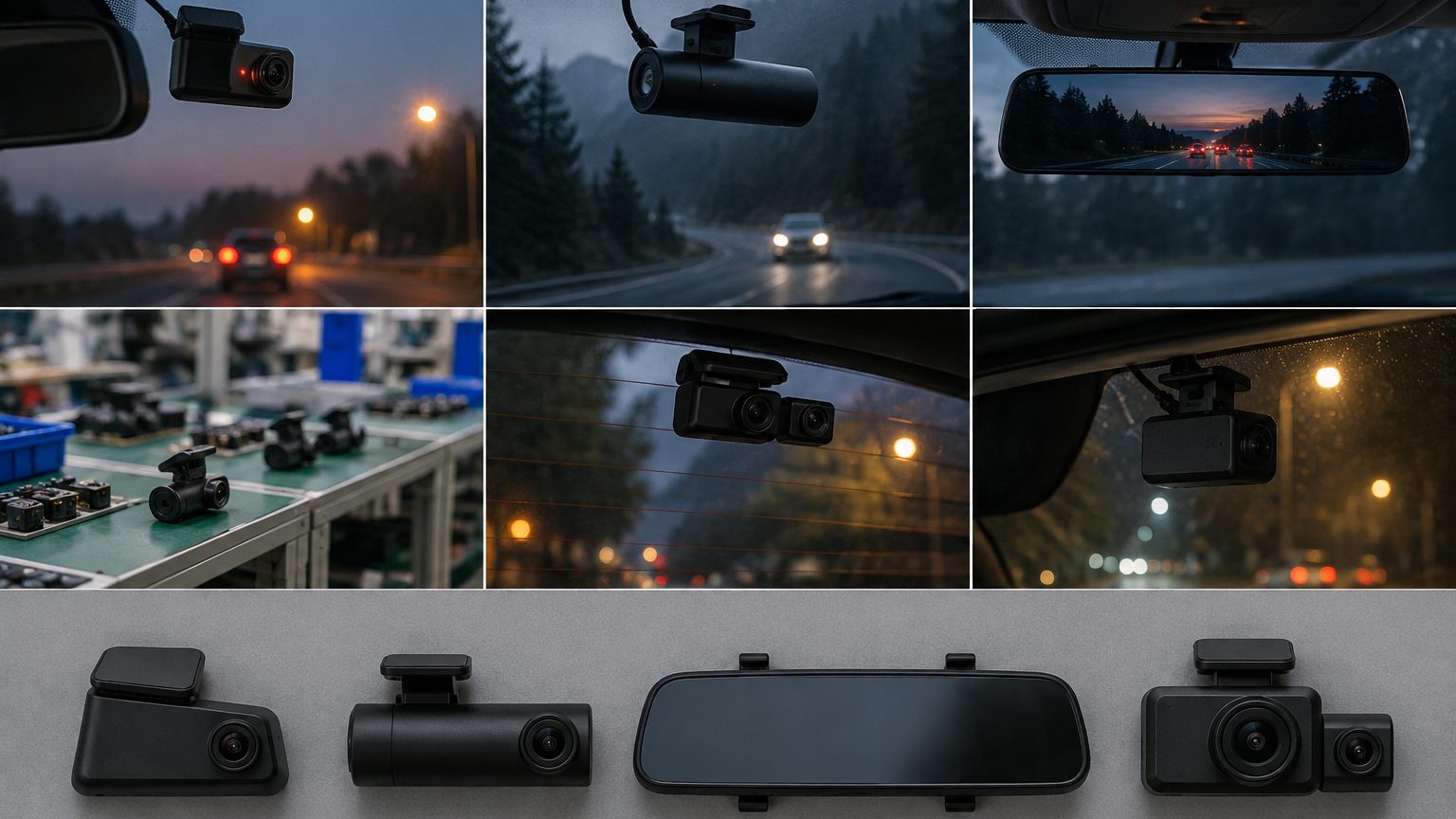
A front and rear dash cam adds a second, smaller camera that mounts on the rear window and sends video back to the main unit by cable. The main unit stores both streams on one memory card, usually as two linked files per segment. What you gain is a record of rear-end collisions, tailgating and parking-lot impacts, which a front-only unit cannot show. What you pay for it is a longer installation, a larger card requirement and a slightly higher failure surface, since there is a cable and a connector in the middle.
For most commuters and families the rear view is the main reason to upgrade. Rear-end collisions are common, and the other driver's account is often the only evidence without a rear camera. That is why dual units are the usual second rung in a dash cam range, sitting above the entry single-channel unit. See the 4K front and rear dash cam line for ready models.
What the second camera can and cannot do
The rear camera is usually a 2MP unit, commonly built around a sensor such as the GalaxyCore GC2053 class, giving 1080P. That is a sensible choice: the rear window is further from the lens, the view is partly blocked by the headrests, and the rear camera rarely needs to match the front resolution. Plates behind the car are readable at close range in good light. At night, glare from headlights and a tinted window reduce detail, and a rear camera with a wide dynamic range feature helps a little.
It cannot see through a privacy tint as clearly as through clear glass, it does not replace the front camera, and it will not capture the sides of the car. Set expectations accordingly in your listing text: state where the rear camera is mounted, what it records and that night detail depends on light. If a customer wants interior coverage, that is a different conversation, and the three-channel note covers the cabin option.
Spec lines that matter on a dual unit
| Line | Why it matters | What to ask |
|---|---|---|
| Front sensor and resolution | Sets the quality of the main record | Is it native 4K or upscaled? Name the sensor. |
| Rear sensor and resolution | Defines rear detail | Is the rear 1080P with a named sensor? |
| Simultaneous recording | Both streams at full rate | Does the frame rate drop when both record? |
| Rear cable length | Decides if it fits vans and larger cars | Length, connector type, replacement options |
| Card capacity | Two streams fill a card faster | Maximum supported size, recommended card |
| Power buffer | Closing the final file after cutoff | Supercapacitor or battery |
One caution: some listings advertise 4K for the front and then record at a lower rate when both channels are active. Ask for the real recorded resolution in dual mode, and request sample clips from both channels before you approve a model.
Installation: where dual units win or lose
Routing the rear cable is the part that annoys customers. The cable runs from the front unit along the headliner, down the A-pillar or door seal, under the trim and through to the tailgate, which is quick in a hatchback and slower in a sedan with more trim panels. Vans and trucks need longer cables, so check the supplied length against the vehicles your customers actually drive. Installer shops handle this routinely and can sell it as a service, but marketplace sellers should include a clear instruction sheet and cable clips in the box, because install friction is a common source of returns. Our guide on routing the rear camera cable is a useful companion for support teams.
Power and parking mode
Dual units draw more power than single ones, and parking mode makes the difference visible. If a customer wants recording while parked, a hardwire kit with a low-voltage cutoff is the safer route, since it stops the camera before it drains the car battery. See hardwire kits and parking mode accessories. Selling the kit with the camera as a bundle tends to reduce questions and raises order value, and it moves the install conversation from "will this flatten my battery" to "where should the cutoff sit".
Storage planning
Two streams roughly double the data rate, so a card that comfortably holds a day of single-channel footage will hold about half that in dual mode. Use a high-endurance microSD card rated for continuous writing, and choose a larger capacity than the single-channel equivalent. The H.265 codec, where the model supports it, stores about half the data of H.264 at similar quality, which stretches the same card further. For card details and bundle options see dash cam SD cards. Support teams should also know the failure pattern: when a dual unit shows a missing-rear-file complaint, the cause is more often a worn card or a loose connector than a faulty camera.
Warranty and returns: the second cable is the second risk
In practice, most warranty claims on dual units trace to the added hardware rather than the recorder: a connector working loose where the cable crosses the tailgate hinge, a cable pinched under trim, or a rear camera dislodged by a heated rear window. This is manageable if you plan for it. Ask the factory whether spare rear cables and cameras are available as parts, agree on the fault-finding steps your support team will follow, and write the replacement procedure into the reseller warranty terms. Rental and delivery fleets should schedule a quick connector check at service intervals; it is a two-minute task that prevents most no-rear-video tickets. For a reseller view of terms see warranty and returns for resellers.
Who should buy and who should skip
- Buy dual for commuters, families, delivery drivers, rental fleets and anyone parking on busy streets.
- Consider single for gifts, second cars, and short-term rentals where install effort is a problem.
- Consider mirror dual if the customer dislikes a front unit on the glass. See the mirror dash cam note.
- Move to cabin when people, not just traffic, are part of the risk - taxis, rideshare, training cars.
For fleets, a dual unit is usually the baseline, with GPS added on top and cloud upload where managers need remote access. See fleet dash cam solutions for the program-level view.
Sourcing notes for resellers
When asking a partner factory for a dual model, request the front and rear sensor names, the recorded resolution in dual mode, the rear cable length, the connector type and a sample of both video files. Confirm what is in the box: cable clips, trim tool, spare mounts and a quick-start sheet reduce returns more than any feature line. Private-label orders are typically from about 100 pcs per model in published Shenzhen OEM terms, with sample lead time of about 7 to 15 working days for custom samples and about 15 working days for stock-based production. These ranges are confirmed in writing for each program. Send your brief through the quote form and we will return a written shortlist.