
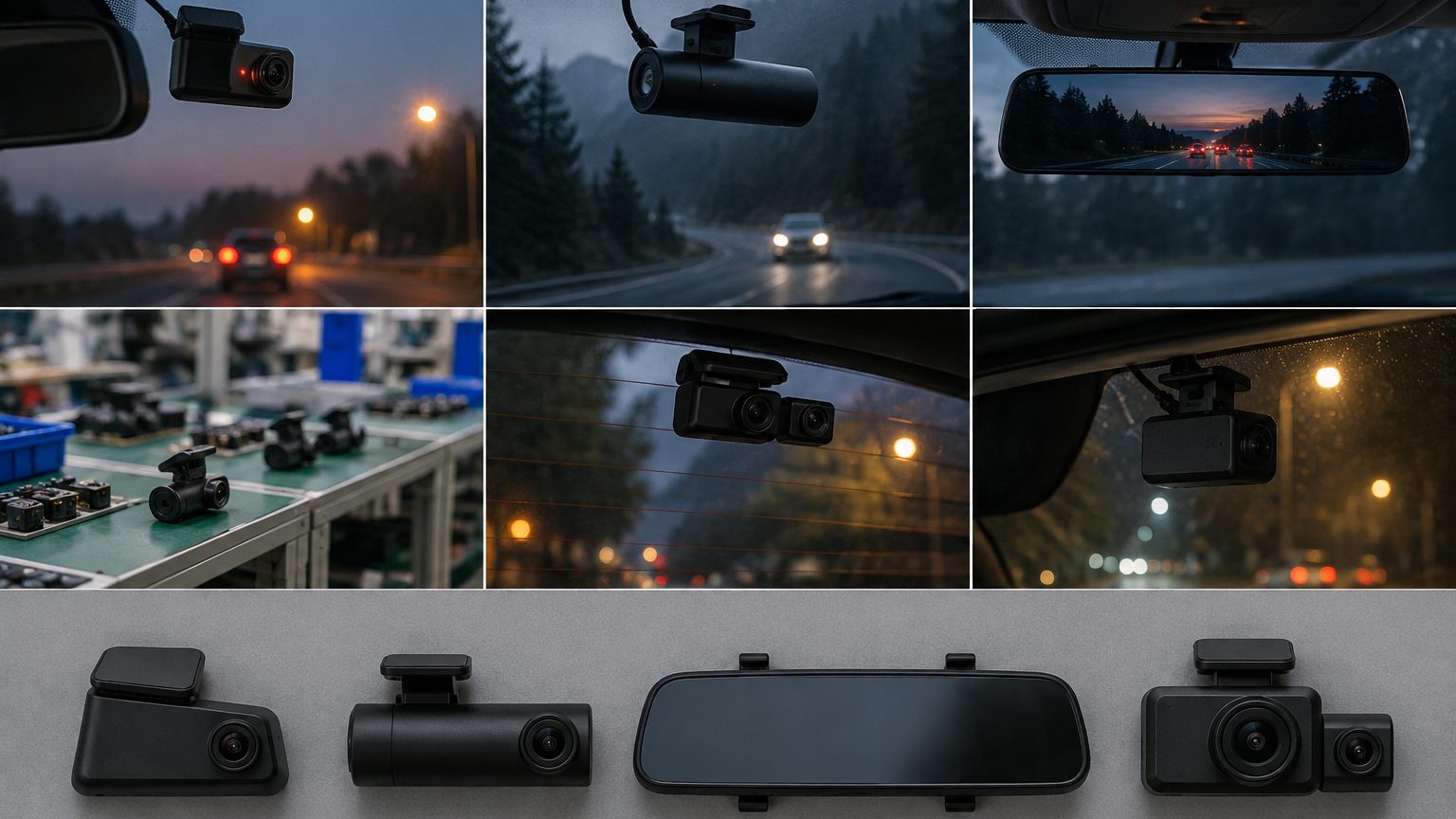
The short answer
A dash cam is a camera and a recorder in one small housing, mounted on the windshield or the rearview mirror and powered from the car. It records continuously while the car is on, writes video in short segments to a memory card, and overwrites the oldest segments when the card fills - unless a segment has been locked because the car was hit or braked hard. That loop is the whole idea: always recording, never full, and the important minute kept safe. "Dash cam" is the consumer name; "car DVR" is the older trade name you will still see on factory spec sheets and export documents.
What is inside
Open any dash cam and the same parts appear. The table below is the parts list a buyer should recognize on a spec sheet.
| Part | What it does | What to check |
|---|---|---|
| Image sensor | Turns light into the picture | Model number; Sony IMX415 records native 4K, IMX335 is often upscaled |
| Chipset (SoC) | Processes and encodes video | Novatek NT96670 class for 4K; codec H.265 or H.264 |
| Lens | Sets field of view and sharpness | Glass elements, viewing angle, flare at night |
| Power buffer | Saves the last file when power cuts | Supercapacitor tolerates heat better than a battery |
| G-sensor | Detects impact and locks the clip | Adjustable sensitivity |
| Storage | microSD card | High-endurance card rated for loop recording |
| Options | GPS, WiFi, screen, rear or cabin camera | Which options your market needs |
The sensor line deserves the most attention: "4K" on a box means little without the sensor behind it. The true 4K note explains how to tell.
How loop recording and event locking work
The recorder writes video in segments of one to three minutes. When the card is full, it deletes the oldest unlocked segment and keeps going, so the camera never stops for lack of space. When the G-sensor feels a sharp jolt, it marks the current segment - and usually the one before - as locked, moving it to a protected folder that loop recording cannot touch. Many models also let the driver lock a clip with a button. This is why card choice matters: constant rewriting wears ordinary cards out, and a worn card is the most common reason a dash cam "did not record" the one moment that counted. See high-endurance cards.
The main types
- Single-channel - one front camera; the entry point and still the volume seller.
- Front and rear - a second camera on the rear window; the most requested upgrade. See 4K front and rear.
- Front and cabin - an infrared inward camera for rideshare and taxi; see rideshare dash cams.
- Mirror dash cams - a screen that clips over or replaces the rearview mirror.
- Hidden or mini - small units tucked behind the mirror with no screen, controlled by app.
The types guide compares them side by side.
Power and parking mode
Most dash cams plug into the 12V socket and record while the ignition is on. Parking mode - recording or watching while the car is parked - needs constant power, which usually means a hardwire kit connected to the fuse box with a low-voltage cutoff that stops the camera before it drains the car battery. Parking mode comes in three flavors: time-lapse, motion-triggered and buffered recording that keeps the seconds before an impact. See hardwire kits.
Screens, apps and how footage gets out
Getting video off a dash cam happens in one of three ways. Units with a screen can play clips back in the car. Units with WiFi pair with a phone app that downloads clips and changes settings, which is why many newer designs drop the screen entirely and hide behind the mirror. And every unit lets you pull the card and read it on a computer. For business buyers the choice matters more than it seems: a screen adds cost and heat but helps drivers who will never install an app; an app adds convenience but brings radio certification and a localization job. Fleet programs often go further with 4G models that upload footage to a cloud dashboard, covered in the 4G and cloud note.
What footage can and cannot prove
A clear clip with time, date and - on GPS models - speed and location is strong evidence in an insurance claim. But footage has limits worth knowing before you promise anything in a listing. Glare, rain and night light reduce plate readability; wide lenses shrink distant detail; and a wrong clock setting undermines the timestamp. Rules about recording, especially audio, also vary by country and state. A buyer selling into several markets should keep listing claims factual: what the camera records, at what resolution, with which stamps - and leave legal conclusions to the customer's local rules.
Why businesses buy them
For consumers a dash cam is insurance evidence and peace of mind. For businesses the reasons multiply: fleets use GPS-stamped footage to resolve disputes and coach drivers; rideshare operators use cabin cameras for driver and passenger safety; rental companies document vehicle condition; insurers run programs that reward recorded driving. Industry reports put the 2025 global dash cam market somewhere between about USD 2.3 and 5.5 billion depending on definition, with fleet programs one of the fastest-growing parts.
Where dash cams are made
Most dash cams sold worldwide, under many different brand names, are designed and assembled in the Shenzhen electronics cluster in southern China, where chipset solution houses, sensor distributors, lens makers and assembly lines sit close together. That is why the same platform often appears under several labels. For a buyer it means two things: the platform matters more than the label, and the spec sheet is the only reliable way to compare offers. Read the Shenzhen cluster explained.
What a buyer should check first
- Sensor and chipset named on the spec sheet, not just the resolution.
- Channels your customers need: front, rear, cabin.
- Power buffer - supercapacitor for hot climates and easier shipping.
- Certification for your market: FCC, CE/RED, E-mark.
- Card - bundle a high-endurance card or specify one.
If you are planning a range, the product lines page shows twelve starting points, and the quote form turns a brief into a written shortlist.